
eCommerce Analytics Dashboard Template (Starter)

One-time payment

Instant access

Insights, not graphs

Reusable package

Find why conversion drop
Identify frictions in your funnel in minutes

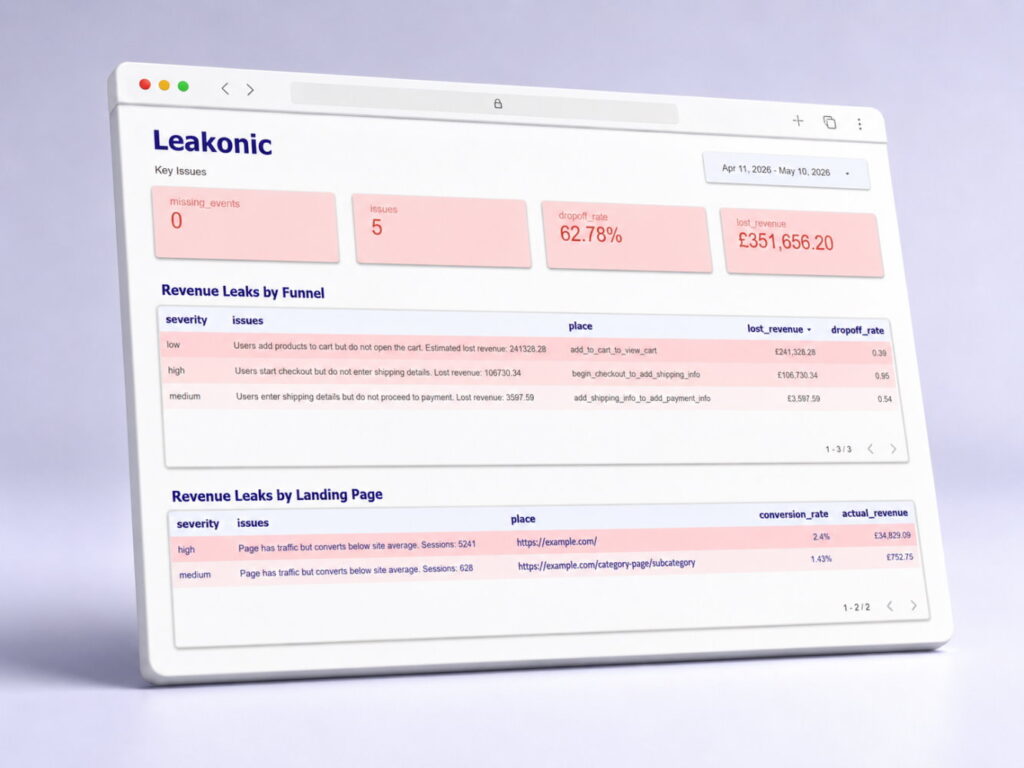
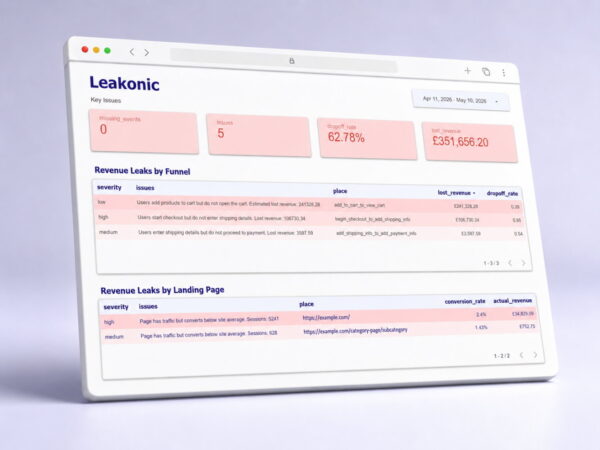
Spot revenue leaks
See where you’re losing money and why

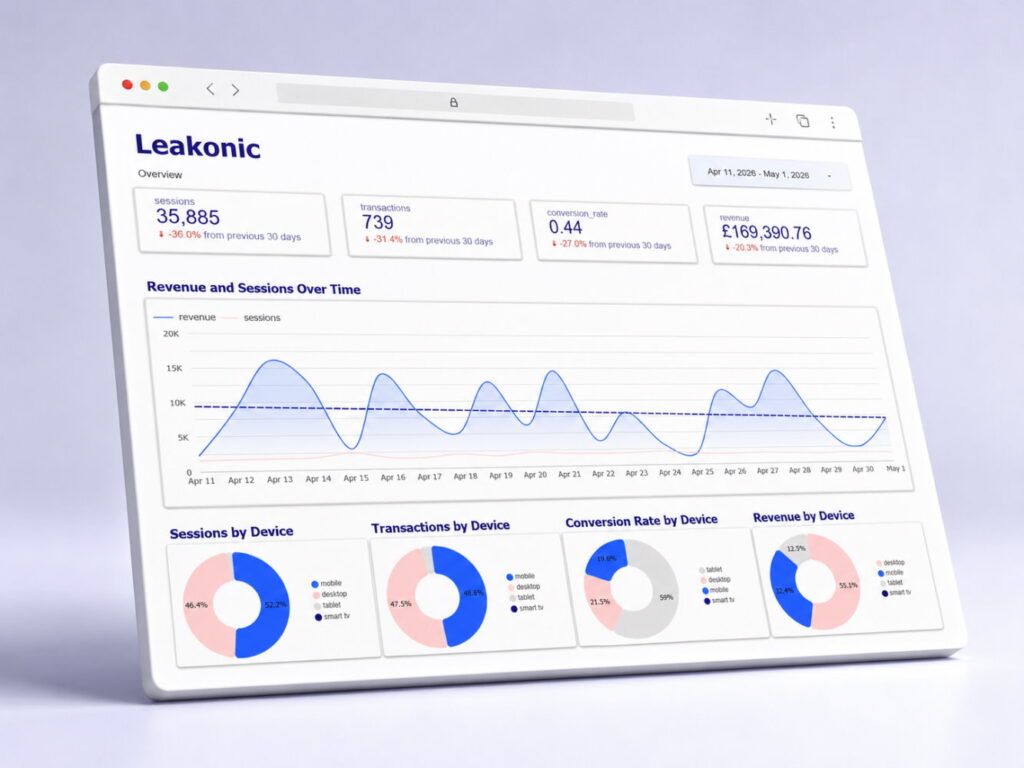
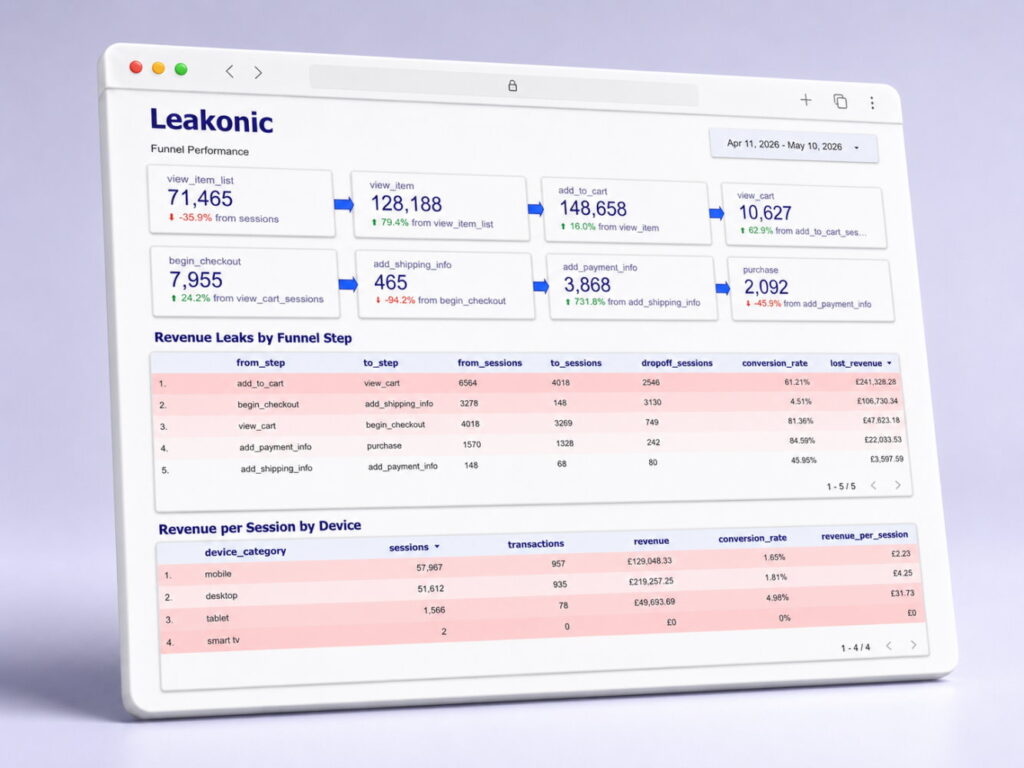
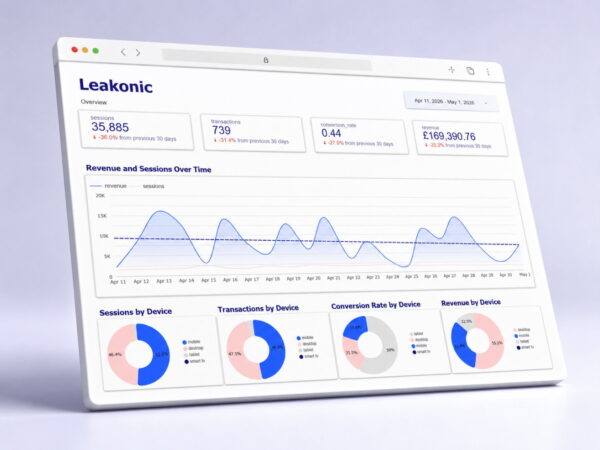
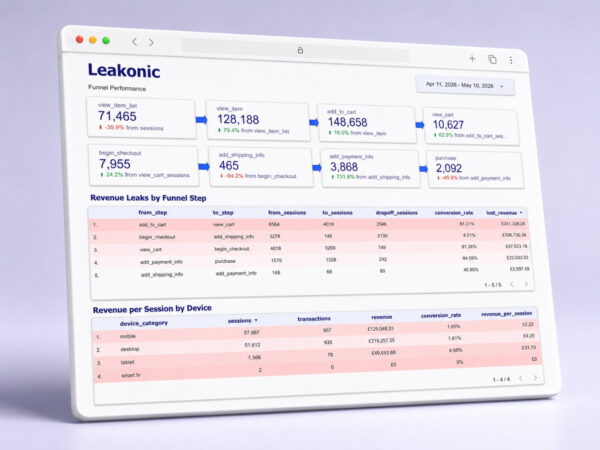
See device performance
Compare mobile vs desktop results

Get a ready-made dashboard
Connect your data & get instant insights
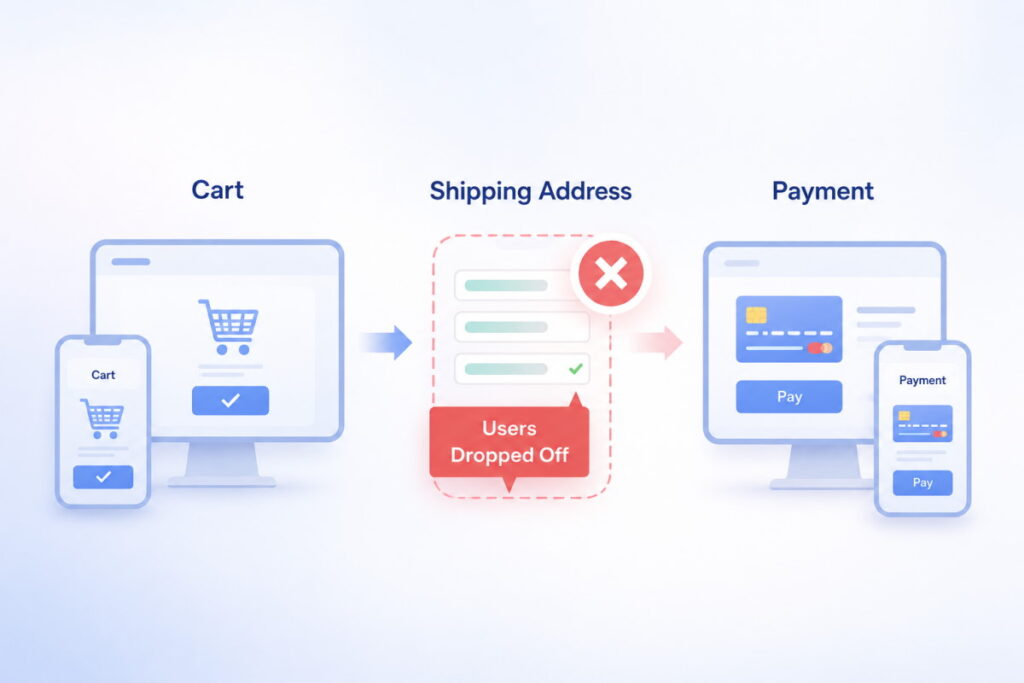
eCommerce data analytics
Leakonic Starter is an eCommerce dashboard template that helps store owners find conversion drops, revenue leaks, and device performance issues without building reports from scratch. It connects GA4, BigQuery, and Looker Studio data into a ready-made dashboard so you can spot what needs attention faster.

No coding needed

Get insights, not numbers

Compare device performance
You will get:
- Google Data Studio (Looker Studio) dashboard report template
- Google BigQuery SQL script
- Step-by-step setup guide and documentation
You must have:
- Google Analytics 4 with eCommerce data
- Active BigQuery project with GA4 export enabled
- Google Data Studio (Looker Studio) free account

Perfect for:
Small eCommerce stores – Sites with GA4 data connected to BigQuery – Owners and marketers who need quick data analysis
Deliverables
The package includes:
- Overview
- Revenue leaks and issues
- Purchase funnel analysis
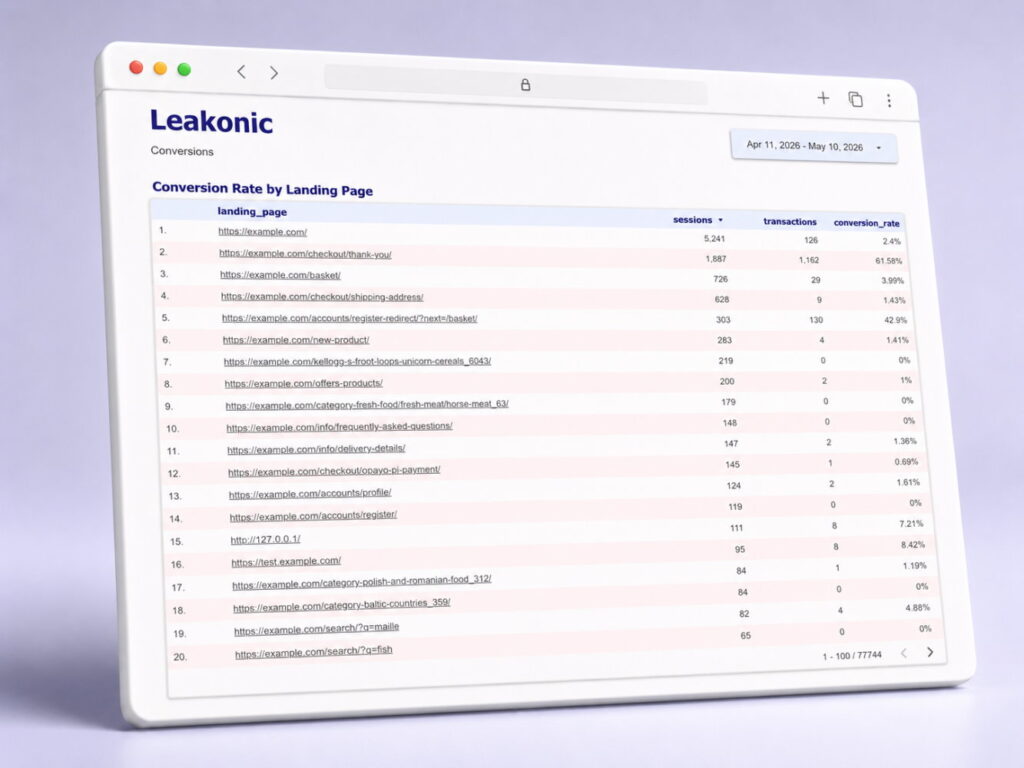
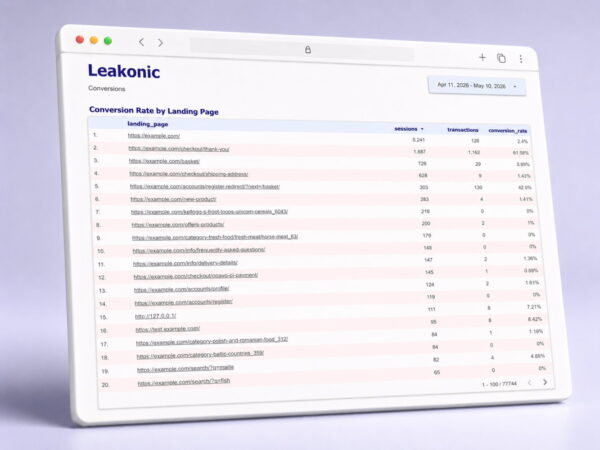
- Conversion rate by landing pages
❌ Funnel analysis by device
❌ SEO analysis
❌ GEO analysis
❌ Product analysis
Requirements
Free tools and quicks setup.

Google Analytics 4
Ensure you have the enhanced eCommerce analytics configured with event tracking, and connected to BigQuery.

Google BigQuery
Make sure you have a created BigQuery project with a GA4 dataset. Don’t forget to replace default project and dataset names.

Google Data Studio
Create a free Google Data Studio account to use the dashboard. You can do it after the purchase. No configuration required.

5-minute setup
You can run the script and connect your data to the dashboard on your own. No coding required. Or we can do it for you.

Not ideal for:
Large online stores that need a fully custom BI system or businesses that want attribution modeling included.
How to set up the dashboard
Set up the eCommerce dashboard template in four easy steps without coding and graph or table configuration.
1
→
Collect data
Ensure GA4 events and BigQuery export are set up.
2
→
Run analysis
Copy the provided SQL script and run it in BigQuery.
3
→
Copy report
Open the Google Data Studio (Looker) template and copy it.
4
Connect data
Connect to your BigQuery and explore insights.
FAQ
In case you still have questions to ask.
Not fully. The dashboard depends on the quality of your GA4 ecommerce events. If key events such as purchase, add to cart, begin checkout, or landing page data are missing, some reports may be incomplete or less useful.
Yes, as long as your store sends ecommerce data to GA4 and that data is exported to BigQuery. The dashboard is based on GA4 ecommerce data, not on a specific ecommerce platform.
If you select the version with installation, we help you connect the dashboard to your GA4 BigQuery export and Looker Studio account.
No. This is a ready-made ecommerce dashboard package. It is designed to give you a faster starting point without building the dashboard, SQL logic, and reporting structure from scratch.

Start finding revenue leaks today
No widget configuration. No coding needed. No subscriptions.

Secure checkout
Related dashboards
-
eCommerce Data Insights Template (Scale)
Price range: 249,00 € through 299,00 € -
eCommerce Report Template (Growth)
Price range: 159,00 € through 199,00 €

